
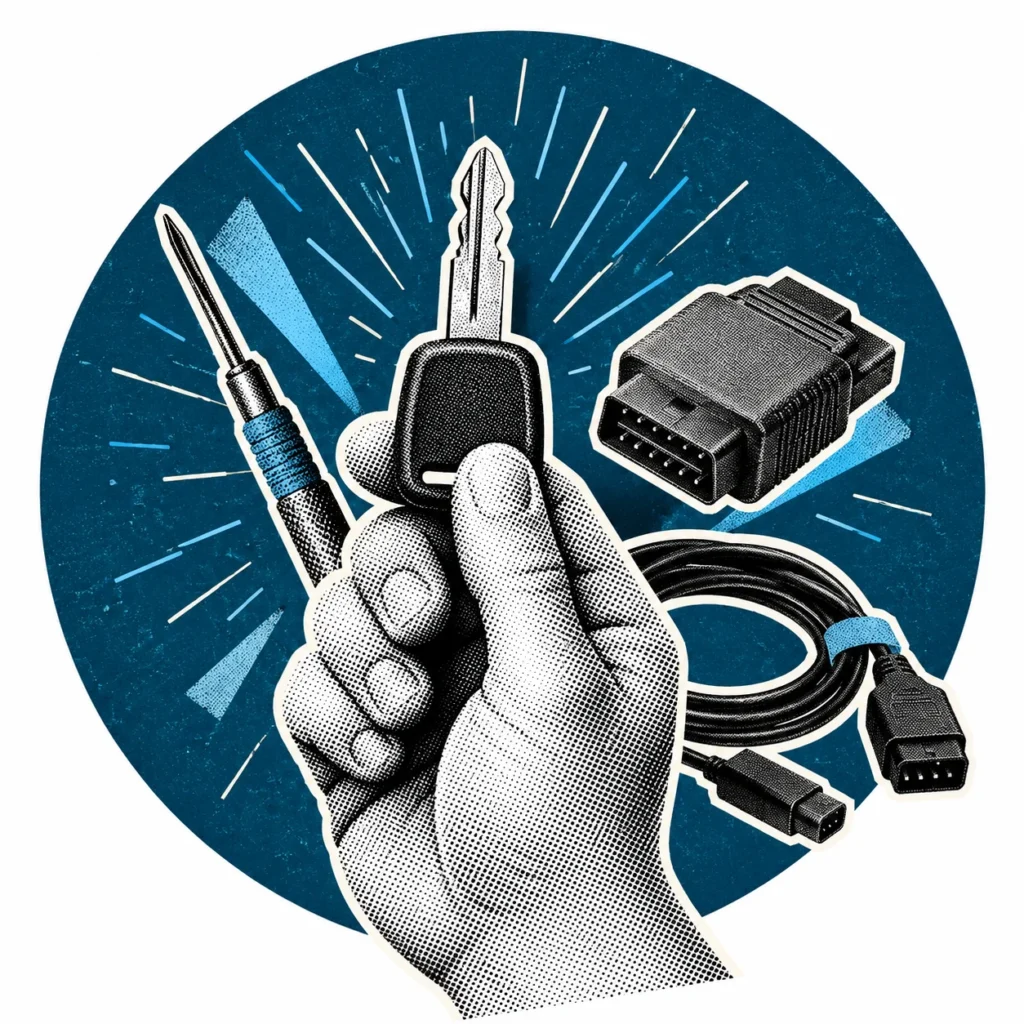
The right locksmith equipment for an automotive key service is chosen by weighing up target vehicles, the jobs you perform, software coverage and the cables and adaptors you need. This guide summarises five steps to help you plan your locksmith equipment investment around your own work profile.
Start by defining your job profile
List the vehicles and requests you handle most often: transponder cloning, remote work, adding keys via OBD, or EEPROM/MCU work. Compare devices not just by the number of features, but by which of these jobs they support and under what conditions.
A modern car key can combine a mechanical cut, a transponder chip and a remote circuit. That is why the locksmith equipment you choose must be able to handle each of these layers.
Match the package contents to your applications
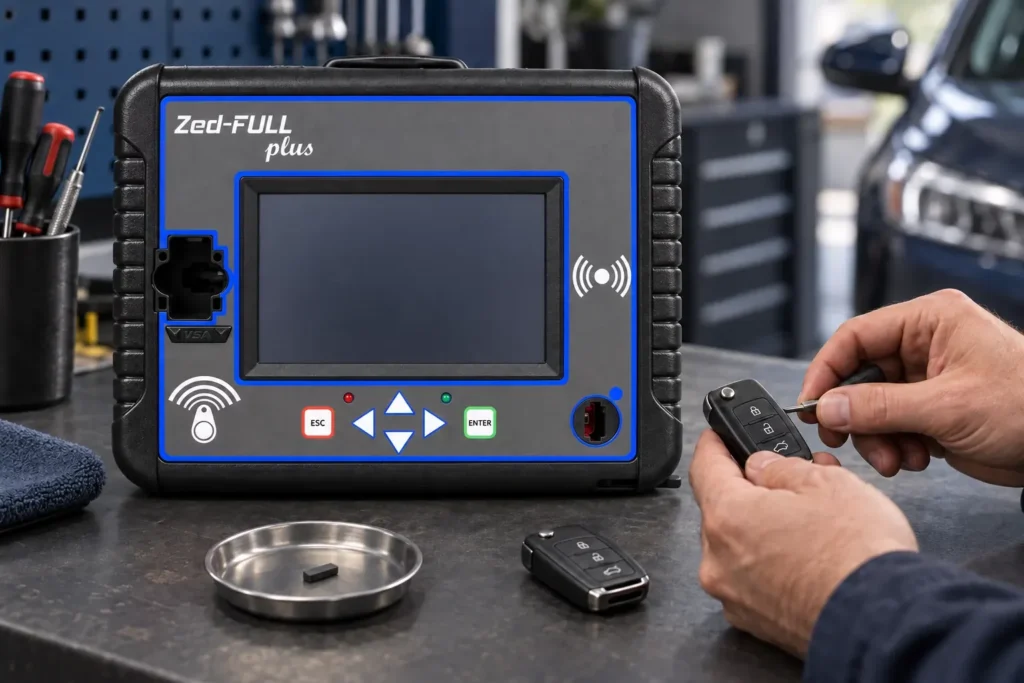
Using a feature listed on a product page may require an additional software package, cable or adaptor. Before buying, state your target applications and clarify which parts the quote includes. That way, you avoid jobs grinding to a halt after delivery because a connection accessory is missing.
Updates and technical resources
IEA publishes software files, application lists and additional accessories under separate headings on its product pages. Newsletters help you keep track of applications added during specific periods. Do not use an archived newsletter in place of the current coverage list; it describes the situation on the date it was published.
Plan your locksmith equipment investment
Rather than looking for a kit that covers every job in one go, it is often more efficient to start with core locksmith equipment that meets your most frequent requests. Basic hardware for transponder and remote work, OBD connection cables and commonly used adaptors can be considered in the first stage.
Adding the tools for more specialised applications such as EEPROM and MCU work as regular demand for those jobs grows protects your budget. When deciding what to buy, factor in software packages and additional accessories as well as the price of the device.
Installation, training and technical support
After installation, check the device version, the required accessories and the manuals you will use together. When contacting support about a new application, sharing the product model, software version and vehicle details makes your request easier to assess.
Schedule product training and go through the manuals right after installation so your team can use the new device efficiently. Learning in advance how the technical support channel and the update process work helps resolve issues in the field more quickly.
Questions to ask when choosing locksmith equipment
Getting clear answers to the following questions when requesting a quote helps you avoid a wrong or incomplete investment. Collecting the answers in a single table lets you compare different locksmith equipment options against the same criteria.
- Are my target vehicles and operations on the current coverage list?
- Which software packages, cables and adaptors does the quote include?
- How are software updates delivered, and what conditions apply?
- How are installation, training and technical support provided?
Workshop layout and consumables
Your stock of consumables affects the pace of work as much as the device does. Build a starting stock of commonly used blank transponders, remote boards, shells and key blades based on your request history. Noting which part is used on which vehicles makes later orders easier.
Storing cables and adaptors in labelled compartments on the bench lets you reach the right part quickly. A workspace grounded against static electricity and a regular backup routine also extend the life of your locksmith equipment.
Frequently asked questions
What locksmith equipment do I need to start an automotive key service?
It depends on the jobs you plan to take on. For most services, the foundation is a suitable device, software and cables for transponder reading and cloning, remote work and adding keys via OBD.
How do I check which vehicles a device supports?
Review the product’s current vehicle coverage list and compare the system, year range and operation type for your target vehicles. Also take note of any additional cable or adaptor requirements.
Why are software updates important?
Updates add support for new vehicle systems and applications. Keeping your locksmith equipment up to date allows the device’s coverage to grow over time.
Is a single device enough for every job?
A versatile device can cover many operations, but some applications require additional software, cables or adaptors. The most efficient approach is to define your job profile and complete the device’s coverage accordingly.
Does it make sense to buy used locksmith equipment?
If you are considering a used device, confirm the licence and software update status, the warranty terms and whether all accessories are included with the manufacturer. A device that can no longer receive updates may fall behind in coverage over time.