
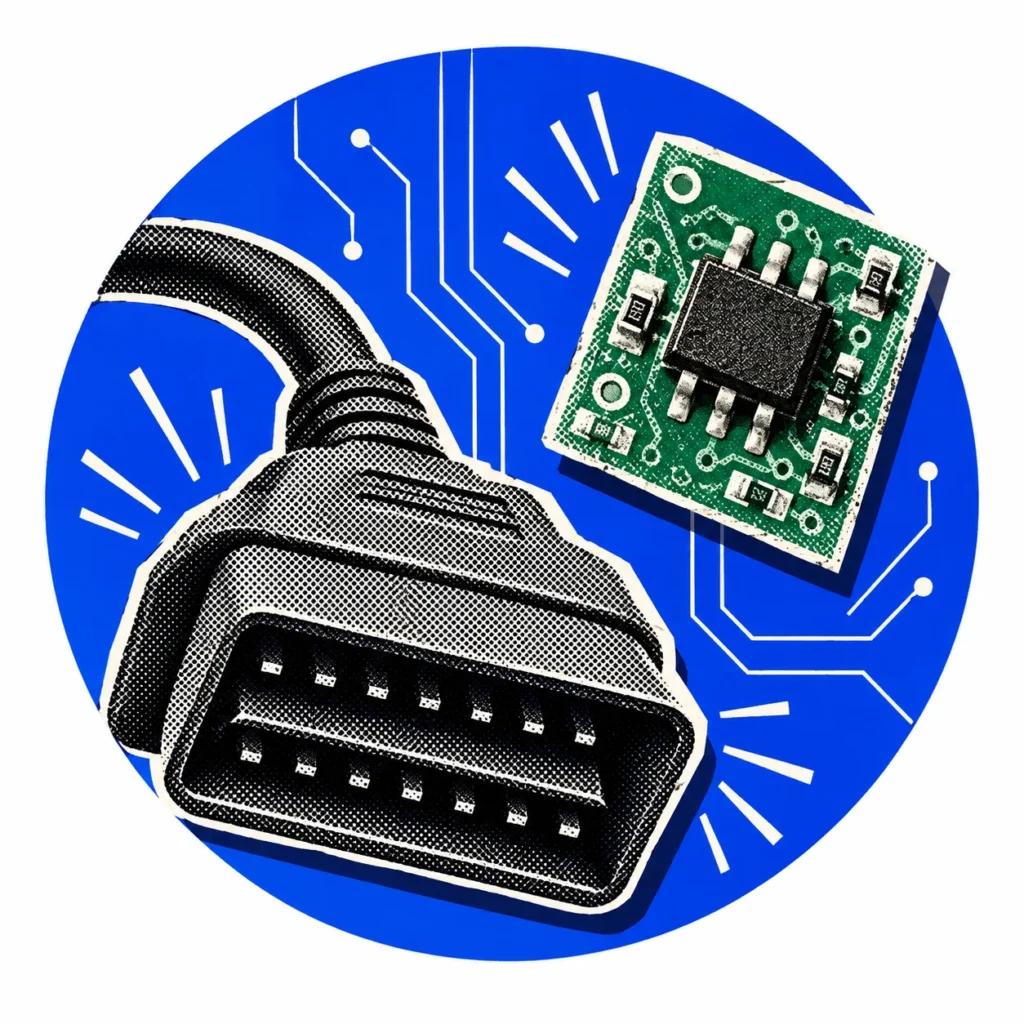
OBD2 operations run through the vehicle’s diagnostic connection, while EEPROM applications involve the memory of an electronic module. Understanding the difference between the two methods is the first step towards choosing the one that suits the vehicle system. The right method is determined by the vehicle’s system and the scope of supported operations.
What is EEPROM?
EEPROM is a type of memory that can be electrically erased and rewritten, and that retains its data when power is removed. In vehicles, units such as the immobiliser, the instrument cluster or the engine control module may store key and system data in this kind of memory.
Communication via OBD
In OBD applications, the device connects to the vehicle’s diagnostic port with a suitable cable. On supported systems, operations such as adding a key or remote are carried out through the vehicle. Application conditions may vary between different models and years from the same make.
The presence of an OBD socket does not, on its own, indicate key programming support. The system, year range, operation type and any accessory note on the relevant line must all be read together.
EEPROM and MCU applications
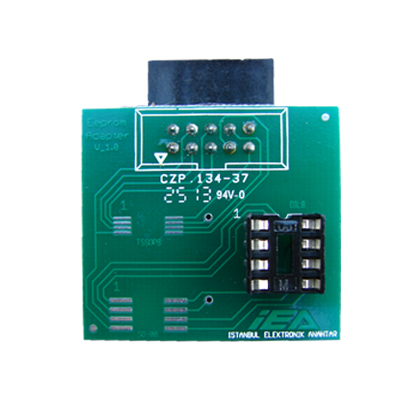
In EEPROM and MCU applications, the work involves the memory or processor of the relevant electronic module. The connection method varies with the module; always follow the adaptor and connection diagrams defined by the manufacturer. Some operations may require working on the module itself.
Key differences between OBD2 and EEPROM
With the OBD2 method, the device communicates with the vehicle through the diagnostic socket and the module stays in place. With the memory-based method, the relevant module may have to be accessed with an adaptor, a clip or a soldered connection. As a result, these jobs call for more preparation and care.
There is also a difference in equipment. For OBD2, a suitable cable and software are often enough; work carried out on the module requires adaptors and wiring diagrams that match the module. For both methods, follow the notes in the current application list.
Scope determines the method
Do not think of the EEPROM method as a universal solution that replaces every OBD operation. First confirm that the vehicle and system are supported, then review the connection and software requirements for the application. A model name appearing on the list does not, on its own, mean that every key scenario is supported.
When is OBD2 the better choice?
If the vehicle system supports adding keys through the diagnostic socket, OBD2 is often the first choice. Because the module is not removed, the job involves less intervention and the vehicle wiring is left untouched. On supported vehicles, operations such as adding a spare key or deleting a lost key from the system can be carried out this way.
When do you work on the EEPROM?
If the operation is not supported through the diagnostic socket, or the system does not allow that access, it may be necessary to work on the module. This route requires more technical knowledge, a suitable adaptor and careful preparation. Before starting, confirm the module type, its connection points and the tools you need.
Safety precautions before you start
Whichever method you choose, the vehicle’s battery voltage must remain stable throughout the job. For jobs that may take a long time, supporting the battery with a charger reduces the risk of an interrupted procedure causing problems in the module. Before working on the EEPROM, back up the original data and store the backup in a safe place.
Compare the adaptor’s orientation and pin mapping with the manufacturer’s connection diagram. When working with modules, using a grounded bench to protect against static electricity and making connections only while the power is off helps protect the electronic components.
Frequently asked questions
Does the module need to be removed for an EEPROM job?
In many applications, the relevant module has to be removed from the vehicle so that you can work on its memory. The connection method varies with the module; follow the adaptor and connection diagrams defined by the manufacturer.
Can EEPROM work handle a job that OBD2 cannot?
In some cases, yes. However, working on the memory does not replace every OBD operation. First confirm that the vehicle and system are supported for that application.
Should EEPROM data be backed up before the job?
Yes. Backing up the original data before making changes to the memory helps you restore the module to its previous state if something unexpected happens.
Which cable do I need for an OBD2 connection?
The required cable depends on the vehicle system and the application used. On some vehicles a standard diagnostic cable is enough, while others need a brand-specific cable or an additional adaptor. Check the accessory note on the application line.
Are EEPROM and MCU the same thing?
No. An EEPROM is a memory that only stores data, whereas an MCU is a microcontroller with its own processor and memory. In some modules the key data is held in a separate memory chip, while in others it is stored directly inside the MCU. This distinction changes the adaptor and connection method you need.